
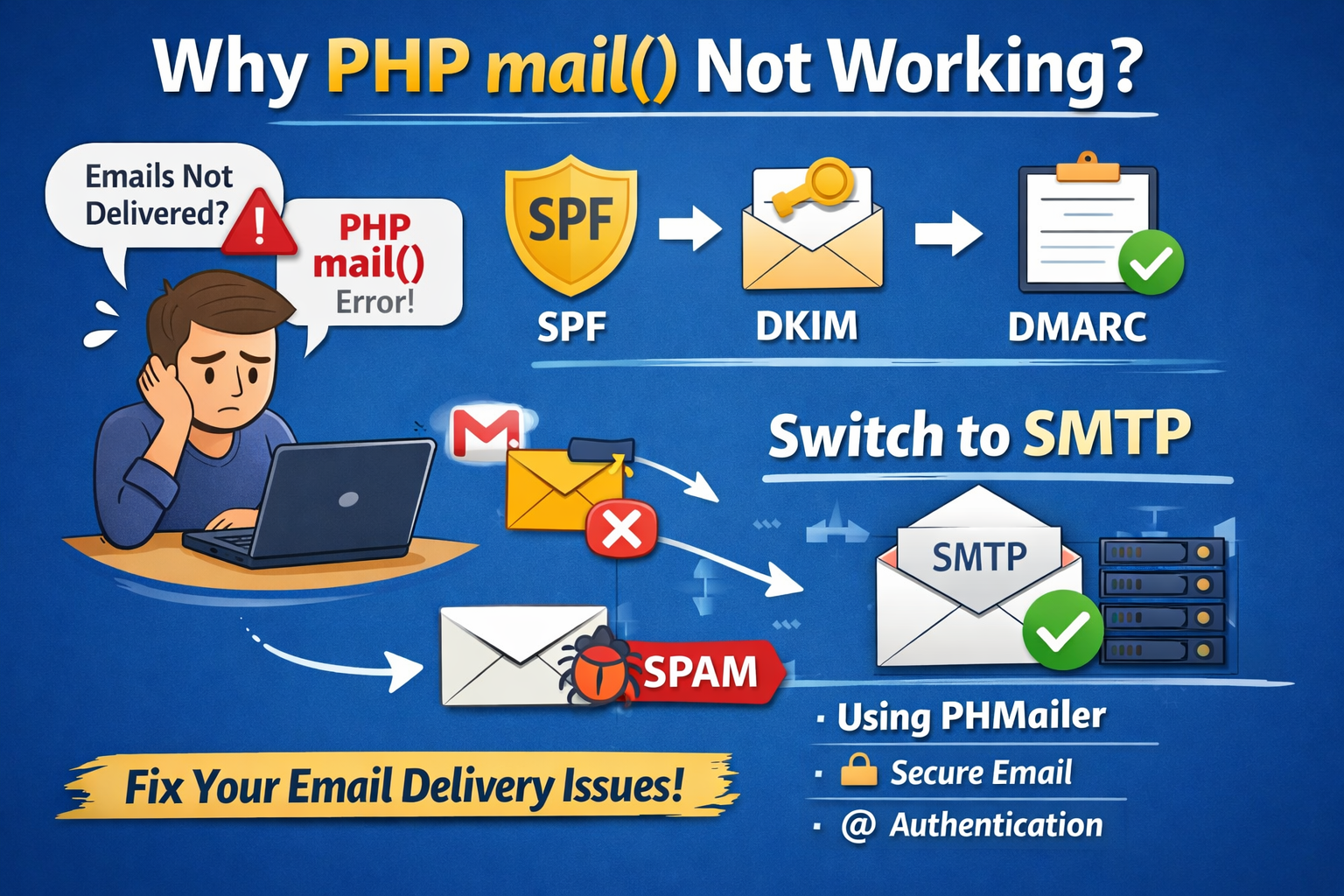
Many developers run into problems when using PHP’s built‑in mail() function. Common complaints include:
- PHP mail() not working
- PHP mail success but does not deliver the email
- Not getting email to my Gmail account with PHP mail()
- Not getting email with the simple PHP mail() function
These issues are widespread because mail() It is very basic and lacks modern authentication. Let’s explore why this happens and how to fix it.
Why PHP mail() Often Fails
- No authentication: mail() doesn’t use SMTP login, so providers like Gmail reject or spam-flag messages.
- Missing DNS records: Without proper domain verification, emails look suspicious.
- Shared hosting limits: On servers with IP X.X.X.X, outgoing mail may be throttled or blocked.
Essential DNS Records for Email Deliverability
To improve trust and deliverability, configure these DNS records for your domain:
- SPF (Sender Policy Framework)
Defines which servers/IPs can send mail for your domain.
Example: v=spf1 ip4:X.X.X.X include:_spf.google.com ~all - DKIM (DomainKeys Identified Mail)
Adds a cryptographic signature to prove authenticity.
- DMARC (Domain-based Message Authentication, Reporting & Conformance)
Instructs receiving servers how to handle unauthenticated mail.
Example: v=DMARC1; p=quarantine; rua=mailto:[email protected] - TXT Record for Domain Verification
For Google Search Console or Gmail setup, add:
google-site-verification=XXXXXXXXXXXX
Why Gmail Rejects PHP mail()
If you’re saying “PHP mail success but not deliver email” or “not getting email to my Gmail account with php mail()“, it’s because Gmail requires authenticated, verified mail. Without SPF/DKIM/DMARC, Gmail assumes your message is spam.
Example: Proper Headers for PHP mail()
When using PHP’s mail() Function: You should always include the right headers to improve deliverability. Here is a working example:
1 2 3 4 5 6 7 8 9 10 11 12 13 14 15 16 17 18 19 20 21 22 | <?php $to = "email@domain"; $subject = "Test Email from PHP mail()"; $message = "<p>This is a test email body with HTML formatting.</p>"; // Set headers $headers = "MIME-Version: 1.0" . "\r\n"; $headers .= "Content-type: text/html; charset=UTF-8" . "\r\n"; $headers .= "From: Learn and Share <email@domain>" . "\r\n"; $headers .= "Reply-To: email@domain" . "\r\n"; $headers .= "X-Mailer: PHP/" . phpversion() . "\r\n"; $headers .= "X-Originating-IP: X.X.X.X" . "\r\n"; // optional // Send email if(mail($to, $subject, $message, $headers)) { echo "Email sent successfully!"; } else { echo "Email sending failed."; } ?> |
1 2 3 4 5 6 7 8 9 10 11 12 13 14 15 16 17 18 19 20 | <?php $to = "email@domain"; $subject = "Test Email from PHP mail()"; $message = "<p>This is a test email body with HTML formatting.</p>"; // Set headers $headers = "MIME-Version: 1.0" . "\r\n"; $headers .= "Content-type: text/html; charset=UTF-8" . "\r\n"; $headers .= "From: Learn and Share <email@domain>" . "\r\n"; $headers .= "Reply-To: email@domain" . "\r\n"; $headers .= "X-Mailer: PHP/" . phpversion() . "\r\n"; $headers .= "X-Originating-IP: X.X.X.X" . "\r\n"; // optional // Send email if(mail($to, $subject, $message, $headers)) { echo "Email sent successfully!"; } else { echo "Email sending failed."; } ?> |
The Reliable Solution: Use SMTP
Switching to SMTP with libraries like PHPMailer or SwiftMailer solves most issues. SMTP ensures:
- Authentication with email@domain and password.
- TLS/SSL encryption.
- Compatibility with Gmail, Outlook, and other providers.
PHPMailer Example:
1 2 3 4 5 6 7 8 9 10 11 12 13 14 15 16 17 18 19 20 21 22 | use PHPMailer\PHPMailer\PHPMailer; $mail = new PHPMailer(); $mail->isSMTP(); $mail->Host = 'smtp.domain.com'; $mail->SMTPAuth = true; $mail->Username = 'email@domain'; $mail->Password = 'your-app-password'; $mail->SMTPSecure = 'tls'; $mail->Port = 587; $mail->setFrom('email@domain', 'Learn and Share'); $mail->addAddress('email@domain'); $mail->Subject = 'Test Email'; $mail->Body = 'This is a test email using SMTP.'; if($mail->send()) { echo "Email sent successfully!"; } else { echo "Mailer Error: " . $mail->ErrorInfo; } |
Conclusion
- PHP mail() is simple but unreliable for production.
- Set up SPF, DKIM, DMARC, and TXT verification records for your domain.
- Use SMTP with PHPMailer for guaranteed delivery to Gmail and other providers.
By making these changes, you’ll avoid the dreaded “PHP mail not working” problem and ensure your emails reach inboxes, not spam folders